
Pick your favorite photos and we'll print them as premium, full-color magnets — the little everyday joy that turns any fridge into a gallery of the people you love.
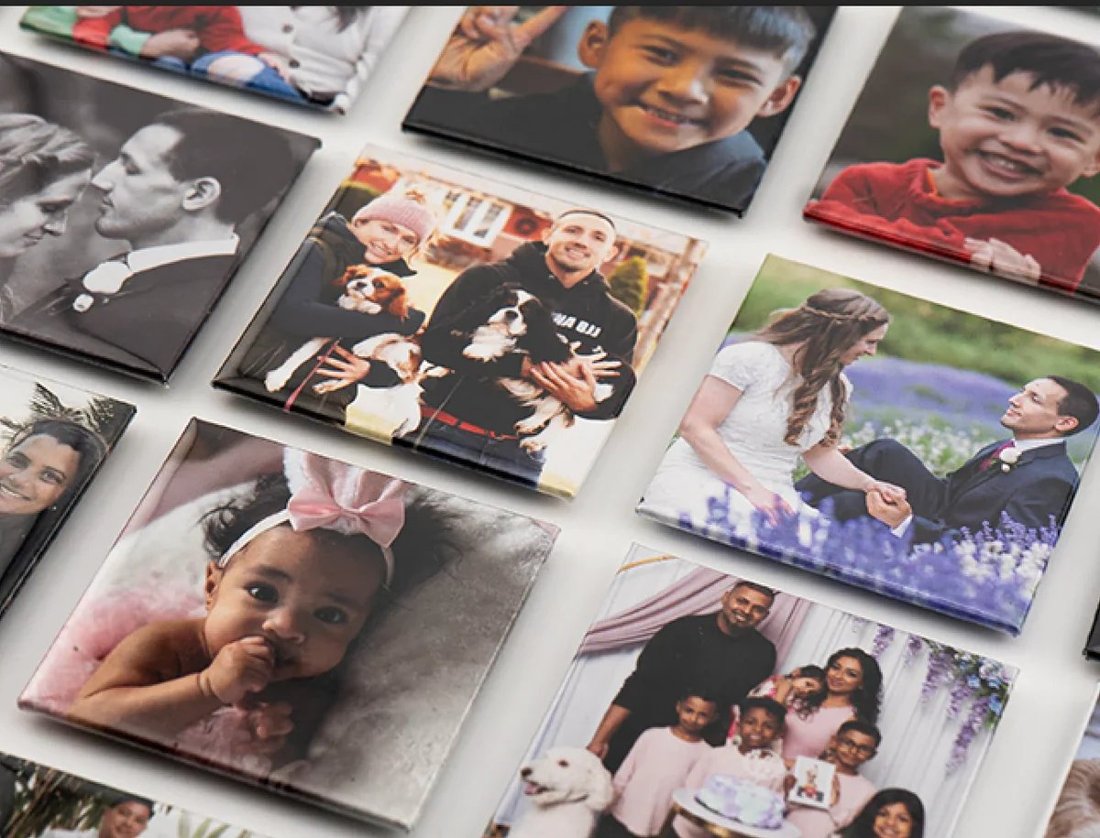
Vivid prints that match your screen.
Strong backing, no sliding off.
Personal, thoughtful, always a hit.
Each set printed to order for you.
Edge-to-edge full-color prints in square, portrait, or landscape — no borders, no fuss. Just your photos, looking their best.

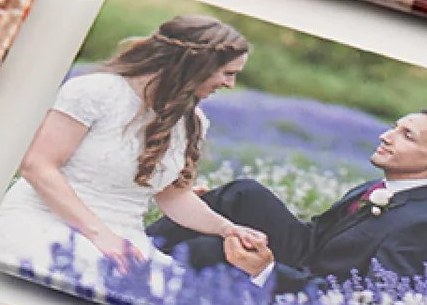


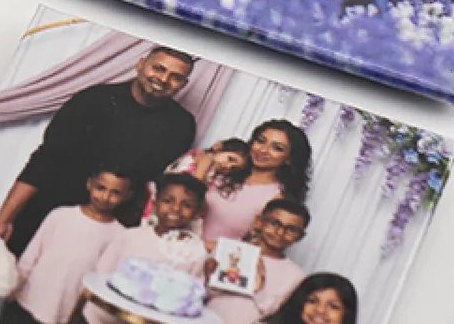

Choose a size and how many magnets, then upload the photos you love straight from your phone.
Each photo prints in rich, full color, edge to edge, on a sturdy magnet built to grip and last.
Fridge, locker, or wrapped up as a gift. Instant smiles every time you walk past.
Pick a size, choose how many, upload & crop your photos — all right here.
Sharp full-color magnets that look just like the photo on your phone.
Durable, wipe-clean finish with a strong, no-slide magnet backing.
Personal and heartfelt — loved by grandparents and roommates alike.
Bigger sets mean a better price per magnet. Share the joy.
"Ordered a set of our dog and now my whole family wants their own. The colors are gorgeous."
"Gave these to my mom with photos of the grandkids. She actually cried. Ten out of ten."
"Super fast turnaround and way sturdier than I expected. Already placing my second order."
Build your set in under a minute — add your photos and we'll handle the rest with love.
Start my set →